 Hearthnode
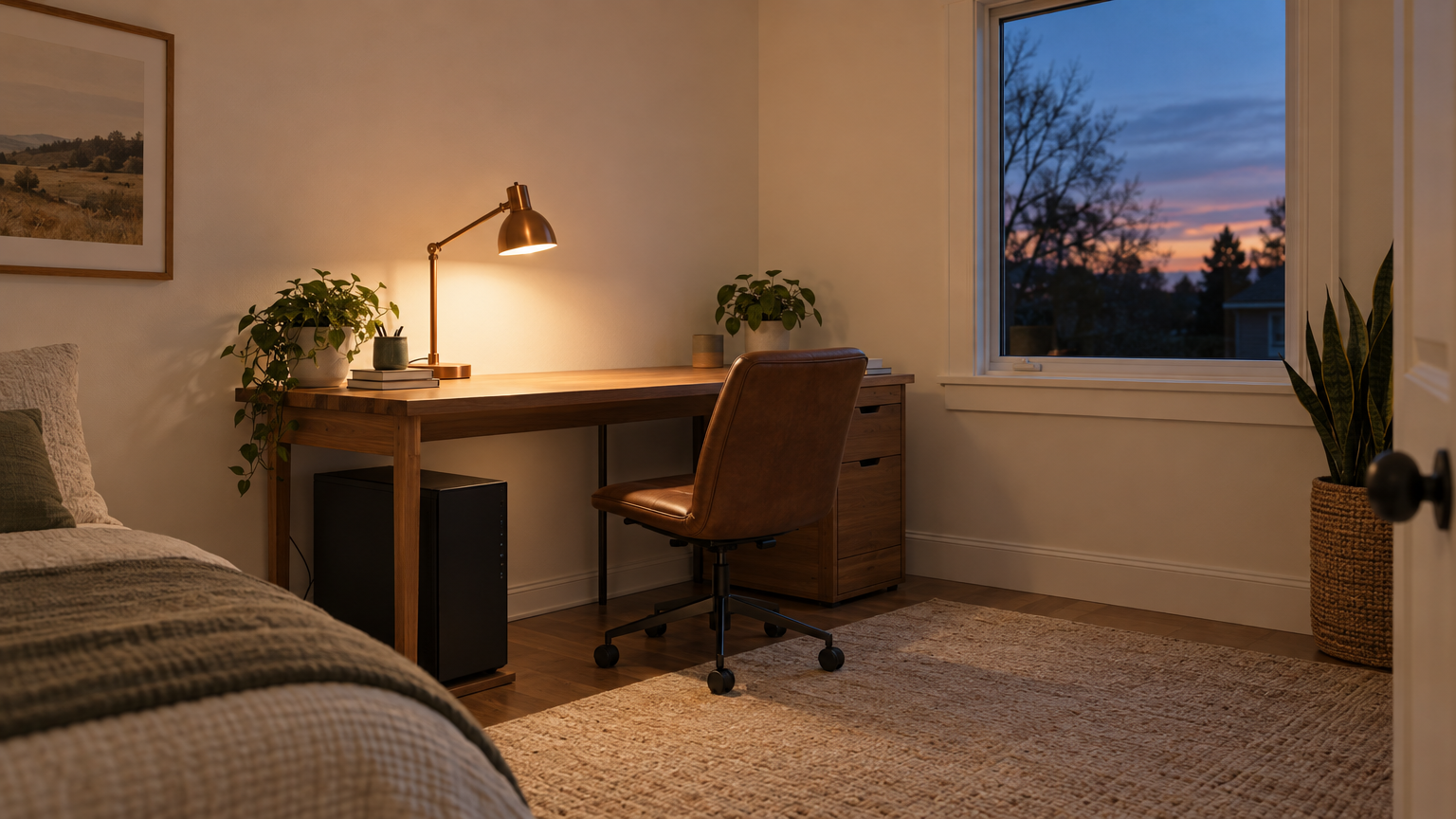
Spare-Room Home Agent Setup
Keep the Gateway awake on a home PC
$37.29one-time


A practical guide for running OpenClaw as a home agent on a spare Windows or Linux PC that stays on. Independent. Not affiliated with OpenClaw.
Who it is for: People who already can install software and want the machine to keep serving the Gateway after they close the lid.
Deliverables: Sleep and power settings for Windows and Linux; user-service vs desktop-app Gateway; `openclaw gateway status` checks; port 18789 notes; what to do after a reboot; a conservative “do not expose this to the public internet” checklist; a printed spare-room setup sheet.
Access: Instant course access after checkout.
Not included: Router configuration for remote public access, VPS hosting, or 24/7 uptime guarantees.
Hearthnode is not affiliated with OpenClaw. After checkout, open the course, forum, and Telegram experience on the product.